
In this guide
- Excel, Word and PowerPoint files in one list
- See which folder each file is in before you click
- Switch in one click, and spot unsaved files
Month-end means spreadsheets for the numbers, a Word report to explain them and a deck for the meeting. The taskbar groups those files by app, so every hop between Excel, Word and PowerPoint starts with a hunt. Wintavia puts them all in one tab bar beside your window.
What you get
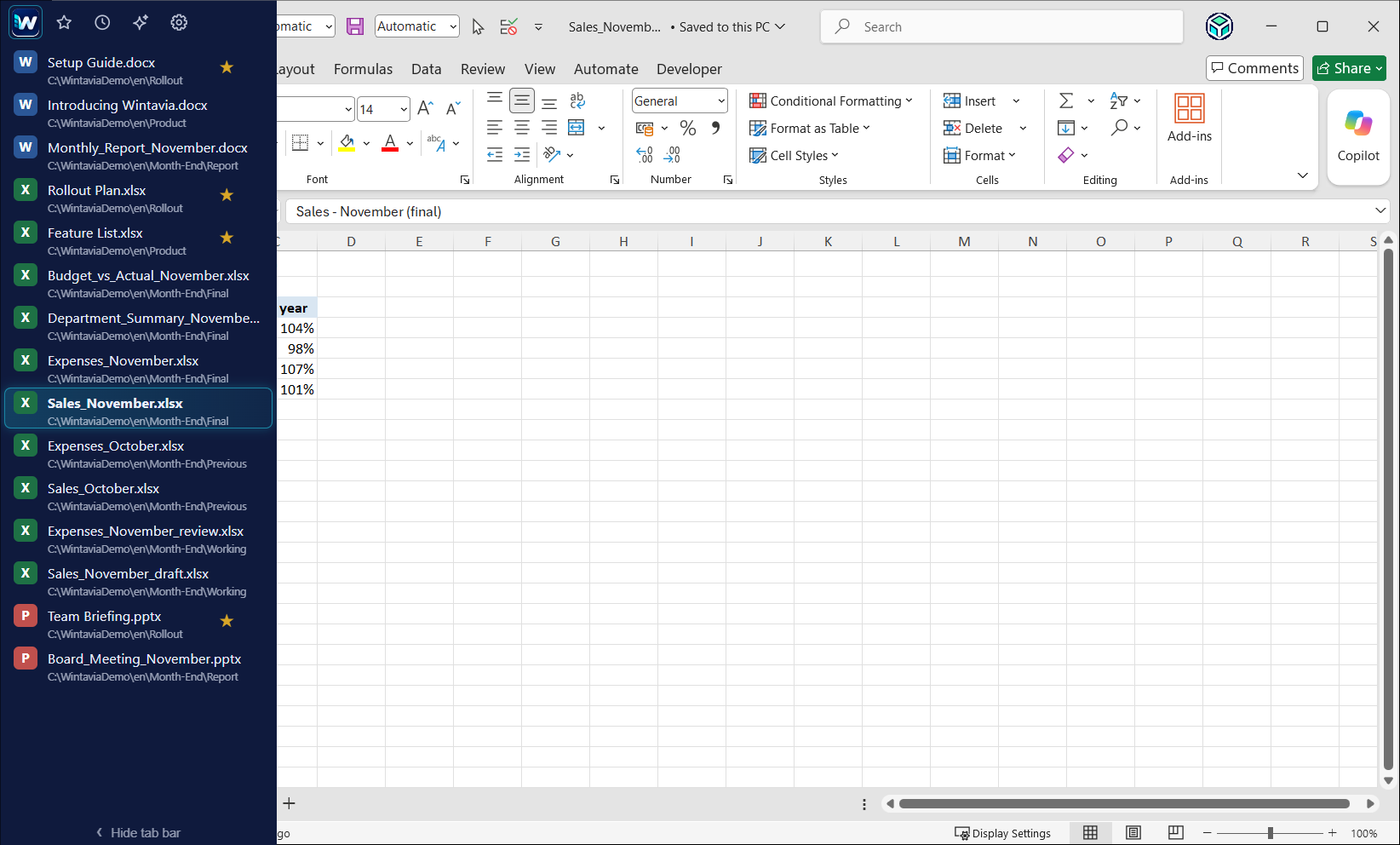
- One list across apps. Your open Word, Excel and PowerPoint files appear in a single column — even when they’re in separate windows.
- The right file, not a look-alike. Hover over the bar to see which folder each file is in. Is it the final “Sales_November.xlsx” or your working draft? You’ll know before you click.
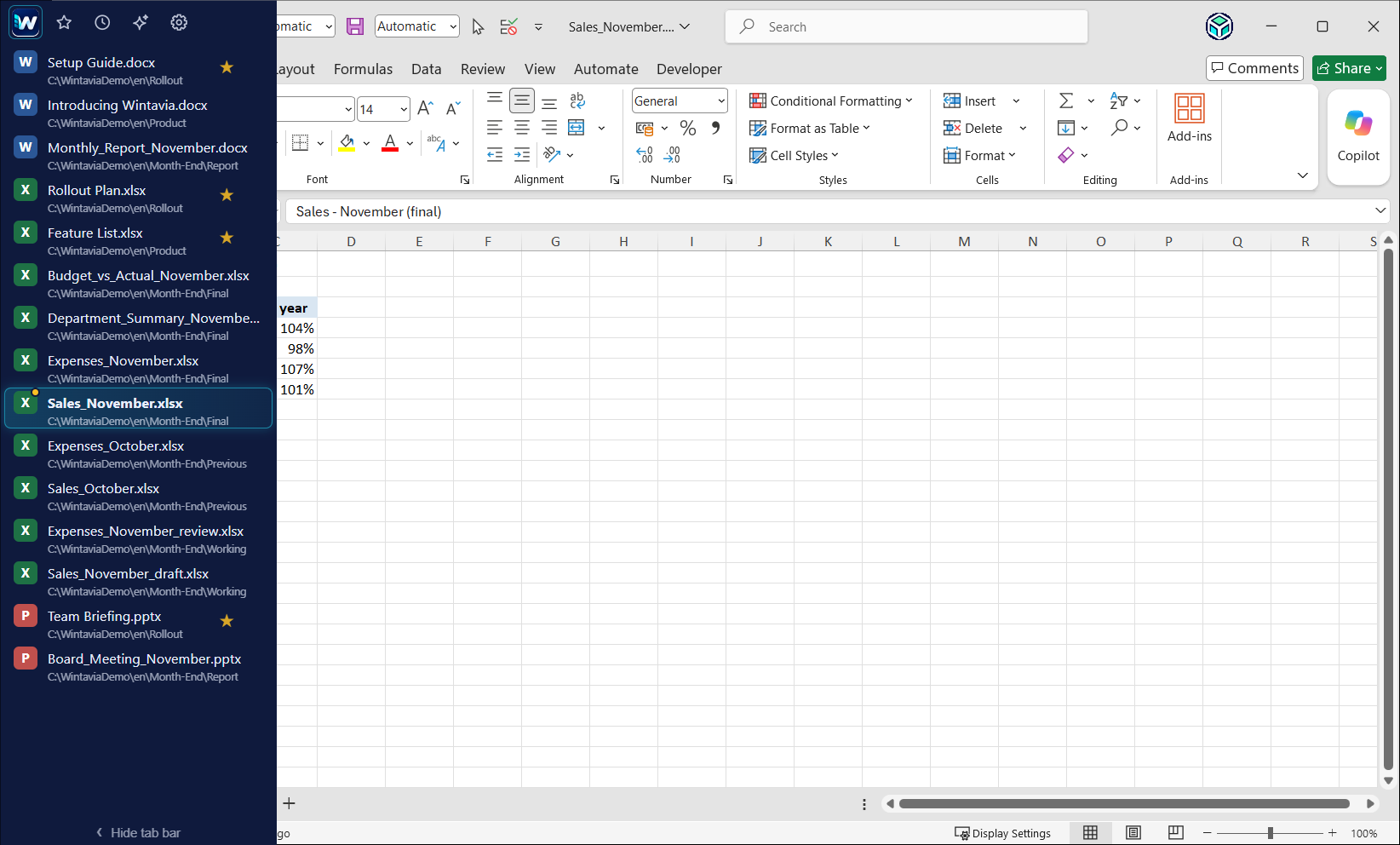
- No forgotten saves. Files with unsaved changes are marked, so you catch them before you close.
How it works
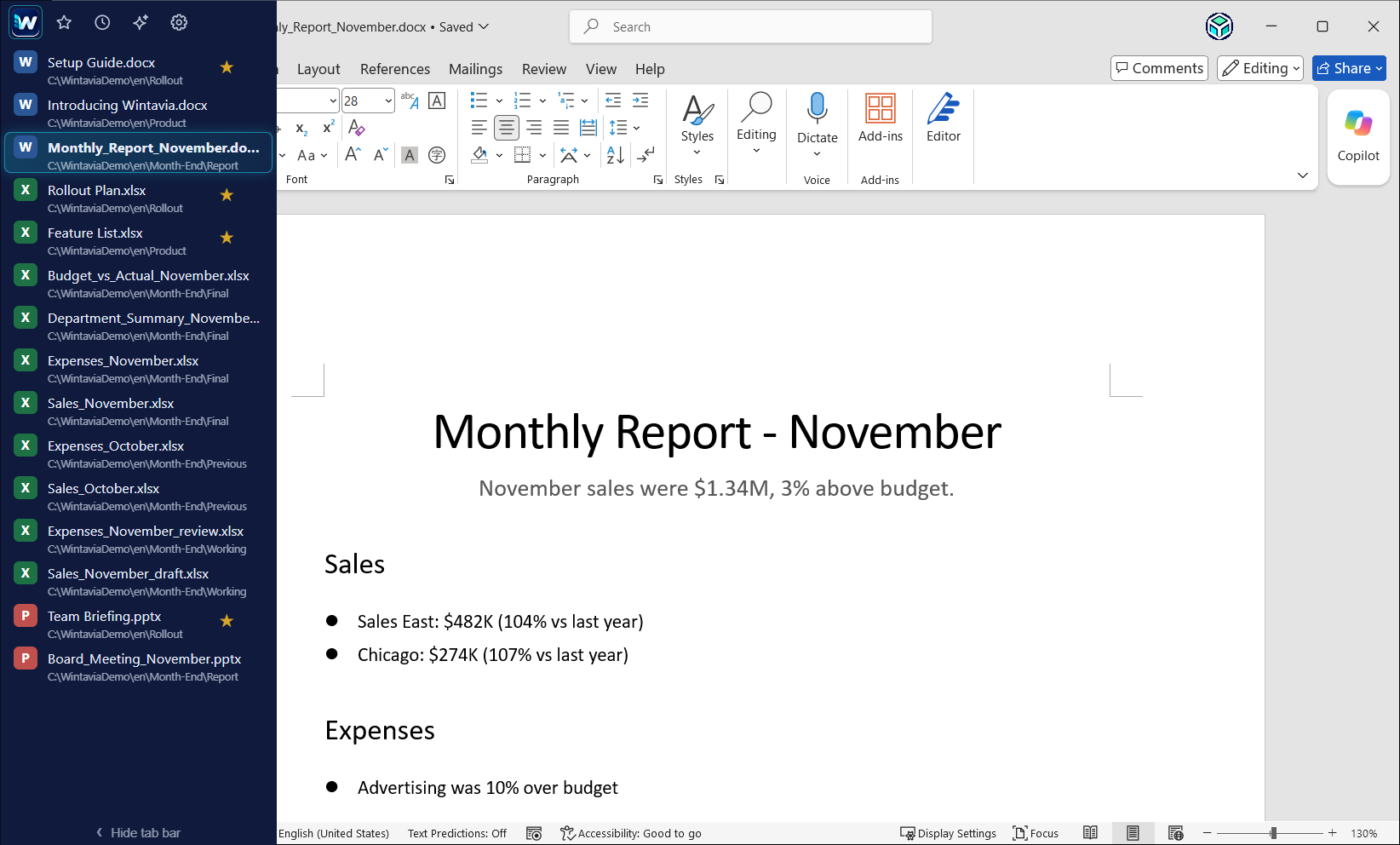
- Install Wintavia and start Office. The tab bar appears beside the window.
- Click a tab to bring that file to the front — from the spreadsheet to the report to the deck. No more cycling through Alt+Tab.
- Done with a file? Hover over its tab and click ×. If it has unsaved changes, Office asks whether to save, as usual.
Try it on your PC
Wintavia is free and works with Windows 11 and desktop Microsoft Office.
Download it free